The RGB color model, the backbone of digital imaging, translates light into the vibrant pictures you see on screens, from smartphones to gaming monitors. This guide demystifies how red, green, and blue combine to produce millions of hues, explains the advantages and trade‑offs of working in RGB, and sets realistic expectations for newcomers eager to harness color in web design, photography, and video production.
What Is the RGB Color Model and How Does It Work?
RGB stands for red, green, and blue—the three primary colors of light. By adjusting the intensity of each channel on a scale typically ranging from 0 to 255, devices mix these lights to create any color in the visible spectrum. For example, pure red (255, 0, 0) combined with full green (0, 255, 0) yields bright yellow (255, 255, 0). Understanding this additive process is essential for anyone creating graphics that will be displayed electronically.
Why Choose RGB Over Other Color Spaces?
RGB aligns directly with how most display hardware renders images, making it the most compatible choice for web and app development. Its wide gamut ensures that colors appear consistent across browsers and operating systems, provided the same device calibration. However, the model’s reliance on light means it doesn’t translate perfectly to print, where subtractive color systems like CMYK dominate.
What Are the Practical Benefits for Beginners?
- Immediate visual feedback. Most design software shows RGB values in real time, letting novices experiment with sliders and see results instantly.
- Simple numeric representation. Hex codes (e.g., #FF5733) are derived from RGB values, making it easy to copy and paste colors between programs.
- Broad industry support. From CSS to video codecs, RGB is the default, reducing the need for format conversion.
What Trade‑offs Should New Users Anticipate?
While RGB offers flexibility, it can also lead to over‑saturation if a beginner pushes channel values to their extremes without considering contrast or accessibility. Colors that look vivid on a high‑end monitor may wash out on a lower‑quality screen, especially under differing ambient lighting. Additionally, because RGB is device‑dependent, the same numeric value can render slightly different hues on a phone versus a laptop.
How Can You Manage Expectations When Working With RGB?
Start by calibrating your monitor using built‑in settings or a hardware calibrator; this ensures the colors you see are as accurate as possible. When designing for the web, test your palette across multiple browsers and devices, and use tools that simulate color blindness to verify accessibility. Remember that RGB values alone do not guarantee brand consistency—document your color choices alongside usage guidelines.
What Are Common Pitfalls and How to Avoid Them?
- Assuming RGB translates directly to print. Convert to CMYK early in the workflow if a printed version is required.
- Neglecting contrast ratios. The Web Content Accessibility Guidelines (WCAG) recommend a minimum 4.5:1 contrast for body text, which can be checked with simple online calculators.
- Relying on a single monitor. Verify colors on at least one secondary display to catch calibration discrepancies.
What Next Steps Empower a Beginner to Master RGB?
Begin with a sandbox project: create a set of five brand colors, record their RGB and hex values, then apply them to a mock webpage. Use the browser’s developer tools to adjust the values on the fly and observe the impact on readability and visual hierarchy. Finally, explore color‑theory resources that explain complementary and analogous schemes within the RGB framework; this bridges technical knowledge with artistic intuition.
Mr & Folly || Regretevator | Арт-челлендж, Милые рисунки, Фан арт

mr & folly || regretevator | Арт-челлендж, Милые рисунки, Фан арт
Pest | Regretevator Wiki | Fandom
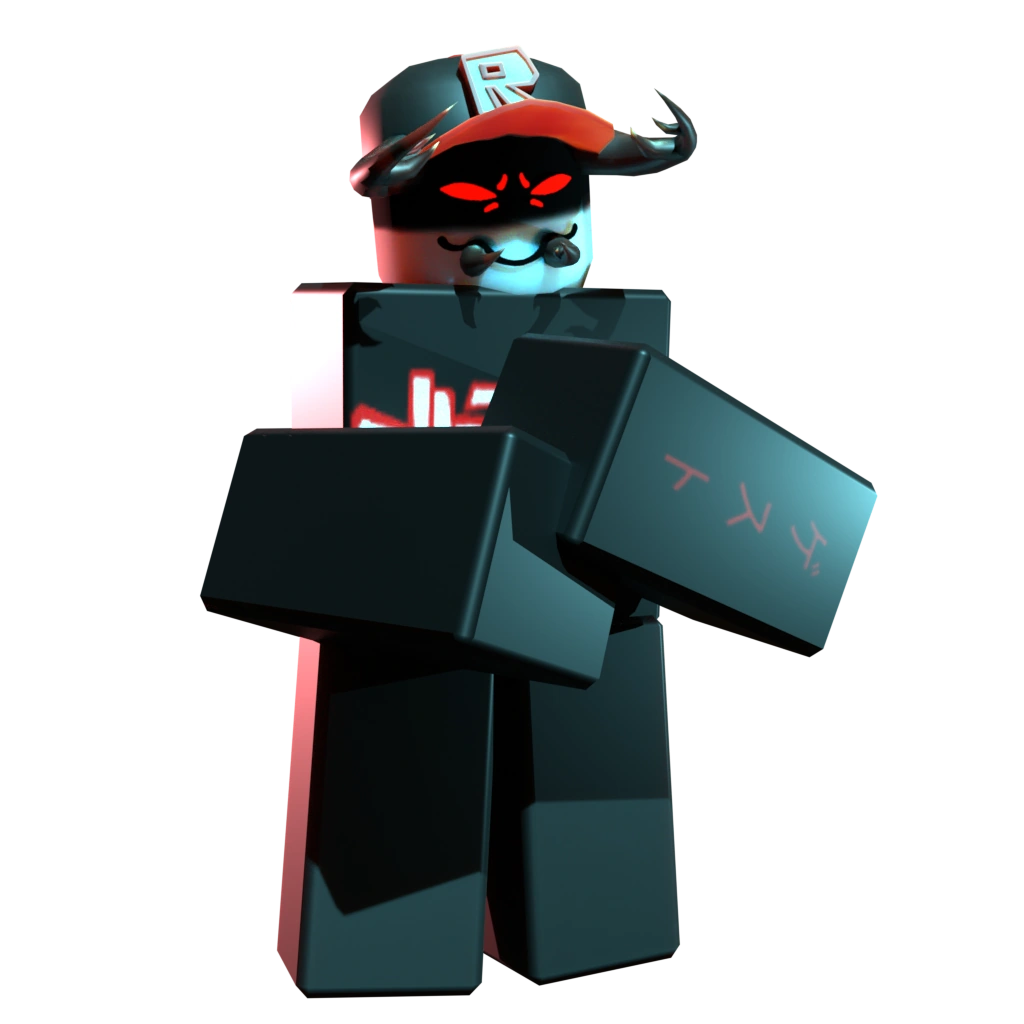
Pest | Regretevator Wiki | Fandom
NEW REGRETEVATOR NPC - Melanie! | Roblox Regretevator - YouTube

NEW REGRETEVATOR NPC - Melanie! | Roblox Regretevator - YouTube
Regretevator Update! New Folly NPC | Roblox Regretevator - YouTube

Regretevator Update! New Folly NPC | Roblox Regretevator - YouTube
13 Roblox Ideas | Roblox, Cute Drawings, Roblox Funny

13 Roblox ideas | roblox, cute drawings, roblox funny