The San Luis Obispo County Superior Court publishes a rolling five‑day docket that lists every hearing, motion, and trial scheduled for the upcoming work week. Accessible via the court’s public website and a mobile‑friendly PDF, the calendar is the primary tool for attorneys, self‑representing parties, and curious citizens who need to know when a case will appear before a judge. Yet a surprising number of users stumble over the same quirks, missing critical updates or misinterpreting the layout. Below, we walk through typical errors and show how to read the calendar efficiently, so you can stay ahead of the curve.
When a Solo Practitioner Tries to Juggle Court Dates
Imagine a one‑person law firm juggling three active matters. The practitioner opens the five‑day calendar, spots a “Family Law – Motion” listed on Thursday, and assumes it refers to the first case on their docket. The mistake? The calendar groups cases by courtroom, not by attorney. Without filtering, the same courtroom may host dozens of unrelated matters, and the motion could belong to a neighboring firm.
- Solution: Use the “Search by Attorney” field on the court’s portal. Enter your bar number or firm name to isolate only the entries that involve you.
- Tip: Export the filtered view to CSV and set conditional formatting to highlight your cases.
When a Litigant Misreads the Time Slots
Jenna, representing herself in a small claims dispute, sees a “10:30 AM – Small Claims” entry and assumes the hearing starts exactly at that minute. In reality, the time stamp marks the start of the courtroom’s block; the judge may call cases in the order they appear, but delays are common, especially when a longer trial precedes the block.
- Solution: Arrive at least 30 minutes early and treat the listed time as a “window” rather than a precise appointment.
- Tip: Check the “Court Announcements” page for real‑time updates about delays or rescheduling.
When a Community Organizer Overlooks Color‑Coding
The calendar uses a subtle color‑coding scheme: blue for civil, green for probate, orange for criminal, and gray for administrative matters. New users often scroll past these hues, missing the quick visual cue that separates case types. This can lead to confusion when trying to locate a specific docket, especially during busy weeks when several colors appear side by side.
- Solution: Turn on your browser’s high‑contrast mode or print the calendar in color to preserve the palette.
- Smart Alternative: Click the “Legend” link at the top of the PDF to view an enlarged key, then use the “Find” function (Ctrl + F) with the case type name.
When a Tech‑Savvy Defendant Relies Solely on the PDF
Even though the PDF is convenient, it lacks the dynamic filters that the HTML version offers. A defendant who only checks the static file may miss newly added hearings that appear after the PDF was generated at 6 AM.
- Solution: Bookmark the live HTML calendar and enable browser notifications for the “New Entry” feed.
- Tip: Subscribe to the court’s RSS feed; it pushes updates directly to your feed reader as soon as the five‑day roster changes.
Implications for Litigants, Attorneys, and the Public
Understanding the nuances of San Luis Obispo’s five‑day court calendar does more than prevent missed appointments. For attorneys, it translates into better time management and fewer billable‑hour losses. For self‑representing parties, it reduces the anxiety of showing up at the wrong time or courtroom. And for the broader public, accurate reading of the docket promotes transparency, reinforcing confidence in the judicial process.
By treating the calendar as a living document—filtering by attorney, respecting time windows, leveraging color cues, and opting for the interactive version—you turn a potential source of confusion into a strategic advantage. The next time you open the five‑day schedule, you’ll know exactly where to look, what to expect, and how to stay one step ahead of the bench.
Bauprotokoll Vorlage Kostenlos Herunterladen
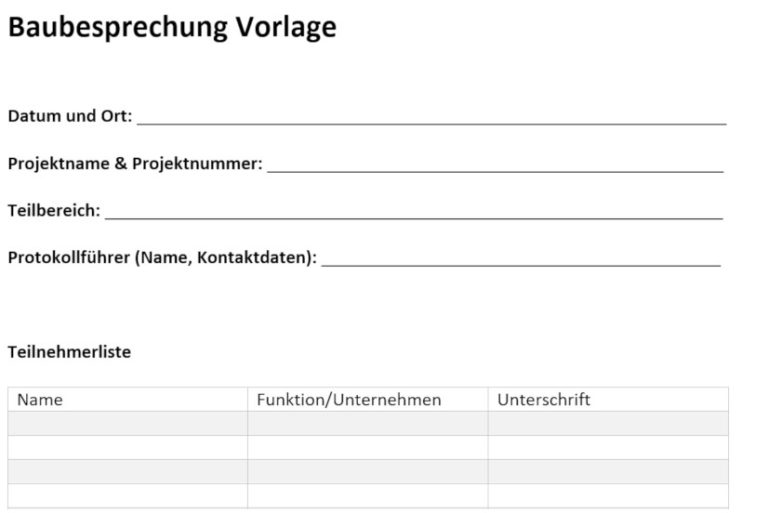
Bauprotokoll Vorlage kostenlos herunterladen
Besprechungsprotokoll - INQA-Bauen
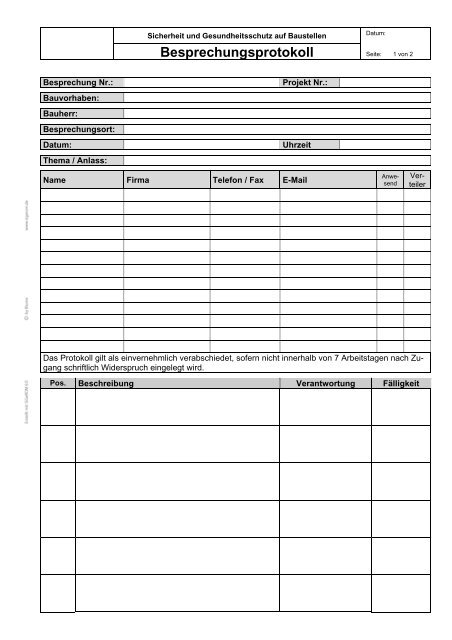
Besprechungsprotokoll - INQA-Bauen
Mit Bauprotokoll Vorlage Auf Knopfdruck Berichte Erstellen

Mit Bauprotokoll Vorlage auf Knopfdruck Berichte erstellen
Mit Bauprotokoll Vorlage Auf Knopfdruck Berichte Erstellen

Mit Bauprotokoll Vorlage auf Knopfdruck Berichte erstellen
Handout Word Vorlagen / Inhaltsverzeichnis Eine Individuelle Vorlage
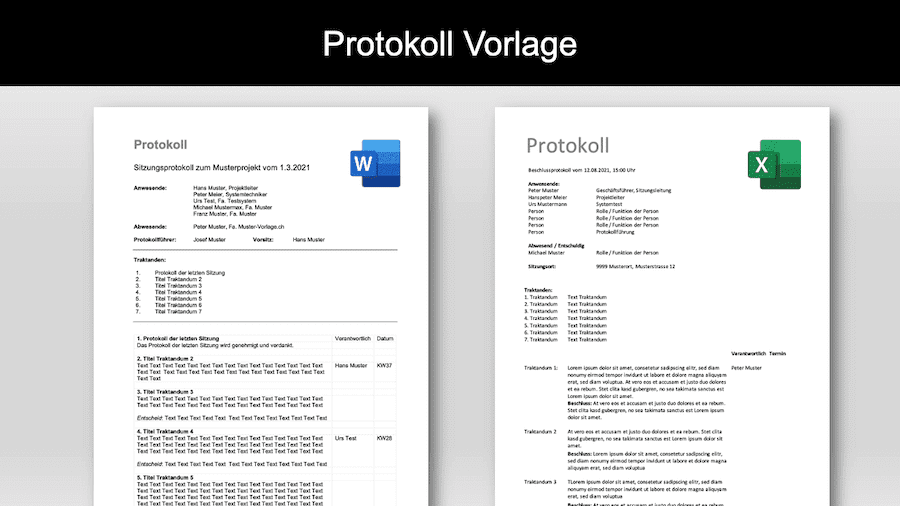
Handout Word Vorlagen / Inhaltsverzeichnis Eine Individuelle Vorlage ...