Small businesses and freelancers are turning to Carr for its drag‑and‑drop templates that promise a polished site in under an hour. Yet many newcomers rush the process, ending up with cluttered pages, slow load times, or branding that feels generic. This guide pinpoints the most frequent missteps and shows how to leverage Carrd’s ready‑made layouts to deliver a site that looks custom‑built while staying under budget.
Blueprint a Clear Purpose Before You Click
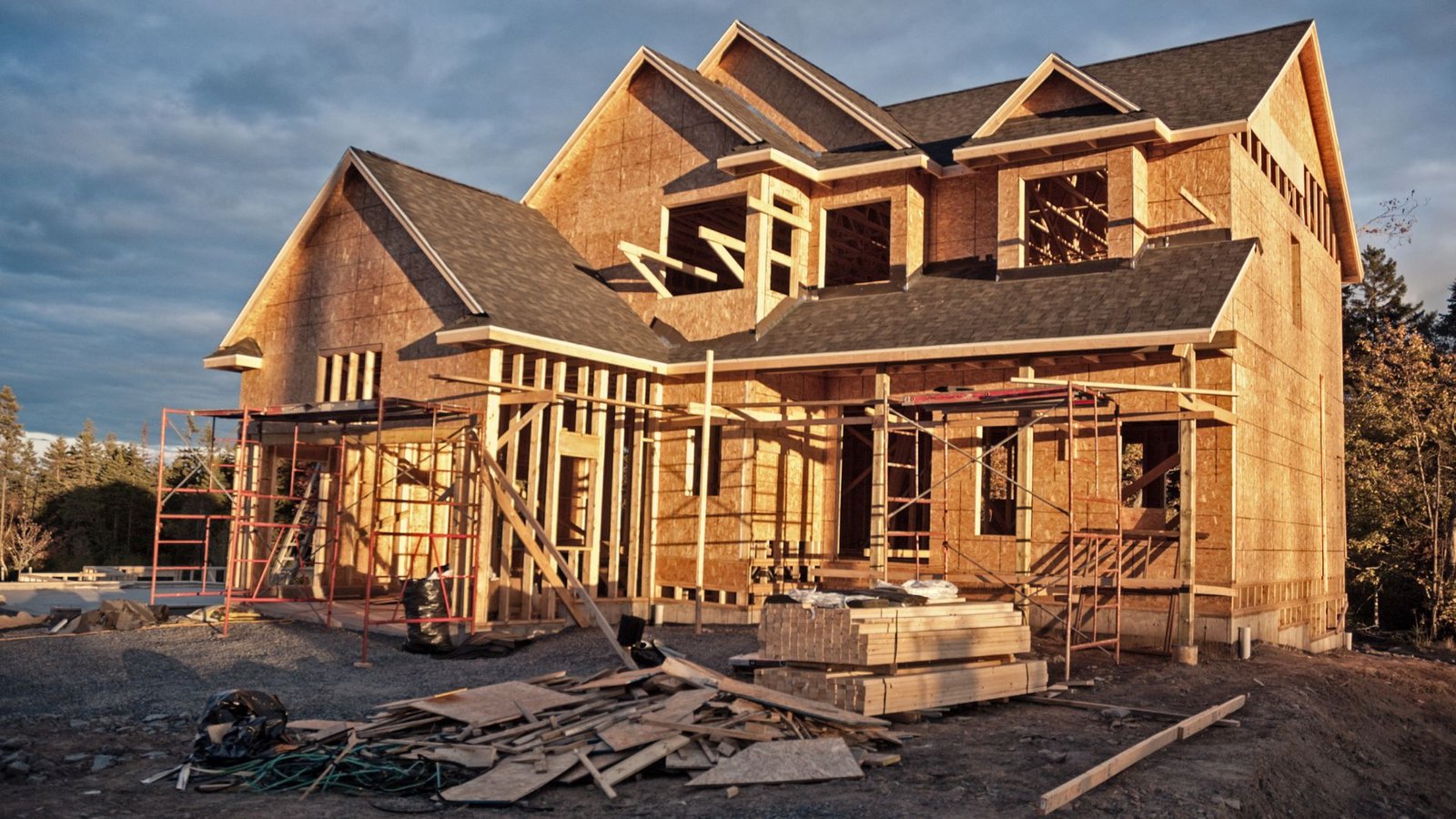
Just as a builder drafts a floor plan, a website needs a concise goal. Users who start with a template but skip a purpose checklist often fill every available block with text, images, and forms, resulting in “feature creep.” Begin by writing a one‑sentence mission statement and a list of three core actions you want visitors to take—whether it’s booking a consultation, signing up for a newsletter, or purchasing a product.
Action Step: Draft a Mini‑Brief
- Define the primary conversion (e.g., “Schedule a demo”).
- Identify the audience’s main pain point you’ll solve.
- Choose one visual style—minimalist, bold, or vintage—to keep design decisions consistent.
Choose Templates That Match, Not Mask, Your Brand
Many first‑time Carrd users grab the most popular template without checking if its layout aligns with their content hierarchy. A template built for portfolios may overemphasize images, while a SaaS‑focused design can drown a local service provider in unnecessary sections. Review the template’s built‑in blocks, then map them to the brief you created.

Optimize Load Speed—The Real “Foundation” Issue
Speed is the structural integrity of a website. Carrd’s lightweight code usually yields sub‑second load times, but adding high‑resolution stock photos or embedding multiple third‑party widgets can negate that advantage. Compress images to under 150 KB, use native Carrd animations sparingly, and limit external scripts to essential functions like a booking calendar.
Guard Against “One‑Size‑Fits‑All” SEO Mistakes
Templates often come with generic meta titles and placeholders for headings. Replace every default tag with keyword‑rich, location‑specific copy. For example, instead of “Welcome to My Site,” use “Professional Web Design Services in Seattle – Fast, Affordable, and Mobile‑Optimized.” Adding structured data for local business can also boost visibility without extra code.
Iterate, Don’t Launch Blindly
Even a perfectly chosen template can benefit from user testing. Deploy a preview link to a handful of trusted contacts, gather feedback on navigation clarity, and observe where visitors click most often. Carrd’s live‑update feature lets you tweak text, colors, or button placements in real time, avoiding costly redesigns later.
When to Upgrade Beyond Carrd
Most small‑scale sites thrive within Carrd’s ecosystem, but growth scenarios—such as e‑commerce stores needing inventory management or membership portals requiring tiered access—may outgrow its capabilities. Recognize the tipping point early: if you need a shopping cart, custom database, or complex integrations, consider migrating to a platform like Webflow or WordPress while preserving the visual language you established with Carrd.
By treating each template as a pre‑engineered frame, defining a clear purpose, and monitoring performance, you can launch a professional‑looking website in a fraction of the time and cost typical of traditional development. The result is a digital presence that feels custom‑built, scales with your business, and avoids the common pitfalls that trip up most first‑time Carrd users.
Free Images : Wood, House, Roof, Building, Construction, Cottage

Free Images : wood, house, roof, building, construction, cottage ...
Free Images : Landscape, Sand, Tractor, Construction, Soil, Geology

Free Images : landscape, sand, tractor, construction, soil, geology ...
Free Photo: Build, House, Bricks, Building, Faucet | Hippopx

Free photo: build, house, bricks, building, faucet | Hippopx
Free Images : Architecture, Facade, Stadium, Shell, Build, Site

Free Images : architecture, facade, stadium, shell, build, site ...